


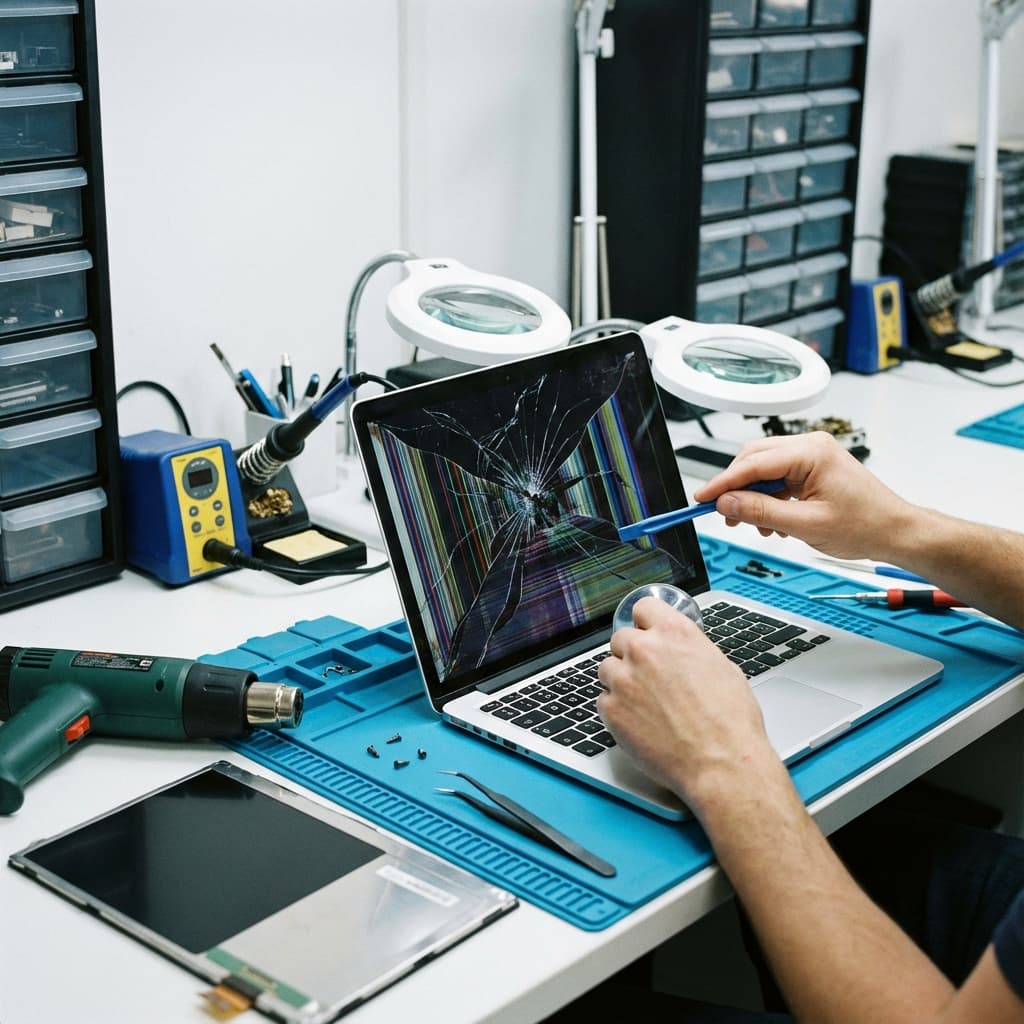
Laptop Screen Replacement Cost Guide 2025
A cracked or malfunctioning laptop screen doesn't mean you need a new laptop. Screen replacement is often the most cost-effective solution. Here's everything you need to know about costs and options.
Average Screen Replacement Costs
By Brand
| Brand | Standard LCD | IPS Display | OLED/High-Res |
| Dell | £89-149 | £149-229 | £249-399 |
| HP | £79-139 | £139-199 | £229-349 |
| Lenovo | £79-149 | £149-229 | £249-399 |
| ASUS | £89-159 | £159-249 | £269-449 |
| Acer | £69-129 | £129-189 | £199-329 |
| MacBook | £199-349 | £349-549 | £549-899 |
Factors Affecting Cost
- Screen Type: LCD < IPS < OLED
- Resolution: FHD < 2K < 4K
- Touch Screen: Adds £50-150
- Size: Larger screens cost more
- Refresh Rate: 60Hz < 144Hz < 240Hz
Screen Types Explained
Standard LCD (TN Panel)
- Budget laptops
- Lower viewing angles
- Fastest response time
- Most affordable replacement
IPS Display
- Better colors and viewing angles
- Most common in mid-range laptops
- Moderate cost replacement
OLED
- Perfect blacks, vibrant colors
- Found in premium laptops
- Most expensive to replace
- Potential burn-in risk
Retina (MacBook)
- Apple's high-resolution displays
- Expensive proprietary parts
- Requires specialized tools
When to Repair vs Replace
Repair When:
- ✅ Laptop is less than 3 years old
- ✅ Specs still meet your needs
- ✅ Only the screen is damaged
- ✅ Cost is under 50% of new laptop price
Replace When:
- ❌ Multiple components damaged
- ❌ Laptop is 5+ years old
- ❌ Repair cost exceeds 60% of new laptop
- ❌ Already experiencing other issues
Common Screen Issues
Physical Damage
- Cracked glass
- Shattered LCD
- Pressure marks
Display Artifacts
- Lines across screen
- Dead pixels
- Flickering
Backlight Issues
- Dim display
- Uneven lighting
- Backlight bleed
Touch Screen Problems
- Unresponsive areas
- Ghost touches
- Calibration issues
Our Screen Replacement Process
1. Diagnosis (Free)
We identify the exact screen specification needed.2. Quote
Transparent pricing with no hidden fees.3. Sourcing
Quality screens from trusted suppliers.4. Installation
Expert fitting with proper tools.5. Testing
Full display test including dead pixel check.6. Warranty
12-month warranty on parts and labour.Save Money on Screen Replacement
Tips:
- Compare quotes - Prices vary significantly
- Ask about aftermarket - Quality alternatives available
- Check warranty - May still be covered
- Insurance claim - Accidental damage coverage
- Bundle repairs - Discounts for multiple issues
What to Avoid:
- Extremely cheap screens (poor quality)
- DIY without proper tools
- Unverified repair shops
- Ignoring the underlying cause
Book Your Screen Replacement
We offer:
- Same-day service for common models
- Free diagnosis
- Price match guarantee
- 12-month warranty
All screen replacements include a free health check of your laptop.
Share this article

Written by
Lisa Park
Laptop Repair Technician specializing in screen replacements.
