Gaming Console Maintenance: Keep Your PS5, Xbox & Switch Running Cool
Modern gaming consoles are powerful machines that generate significant heat. Proper maintenance can prevent overheating, extend lifespan, and ensure peak gaming performance.
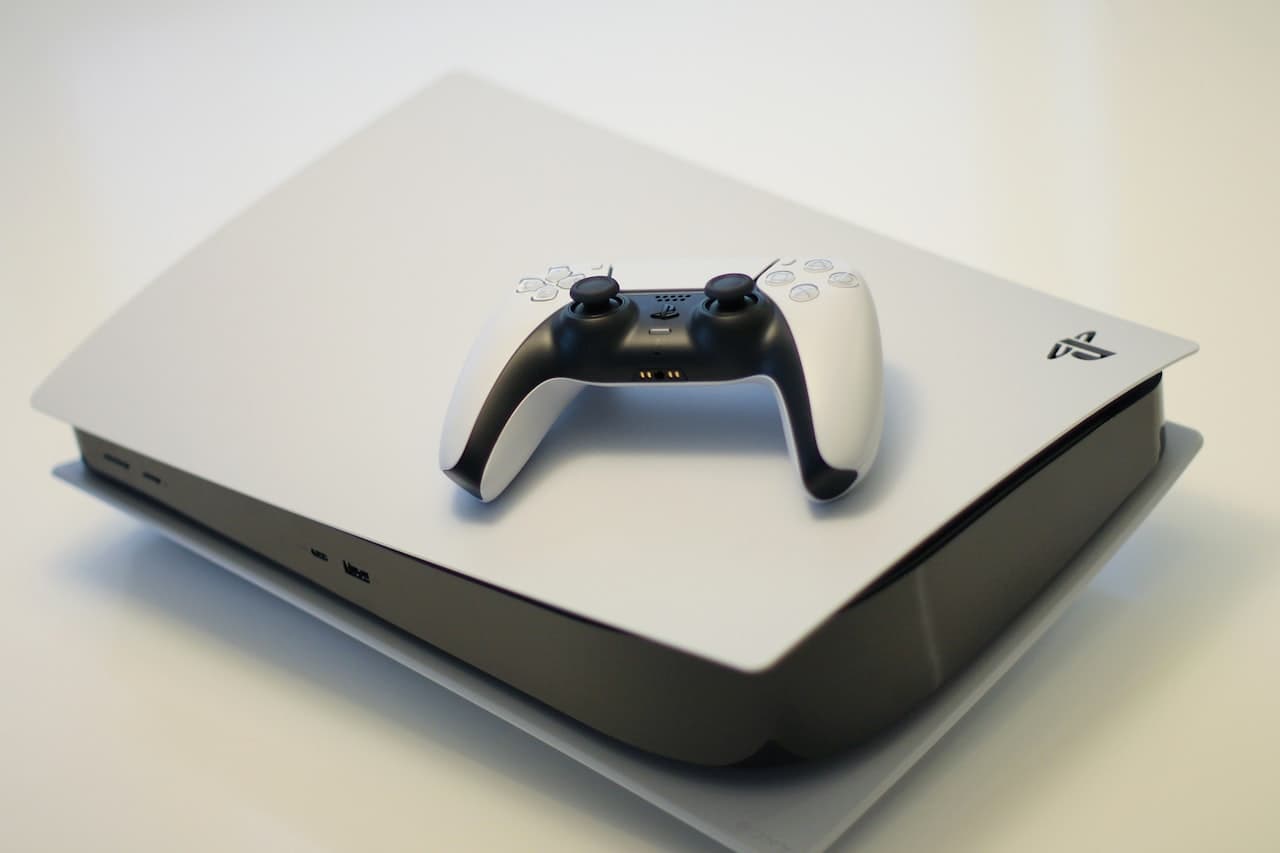
PlayStation 5 Maintenance
Cleaning the Dust Catchers
The PS5 has built-in dust catchers - a brilliant design feature:
- Remove the faceplates (pull from the corner)
- Locate the dust holes on both sides
- Use a vacuum on low setting to extract dust
- Do this monthly for best results
Deep Cleaning (Every 6-12 Months)
For thorough cleaning:
- Remove both faceplates
- Remove the fan (one screw)
- Clean fan blades with compressed air
- Vacuum the heatsink fins
- Reassemble carefully
Warning Signs
- Loud fan during menu screens
- Performance mode causing shutdowns
- Console hot to touch after short sessions
Xbox Series X Maintenance
Top Vent Cleaning
The top exhaust is crucial:
- Power off and unplug
- Use compressed air around the top vent
- Don't block airflow - 4+ inches clearance above
Monthly Maintenance
- Wipe exterior with microfiber cloth
- Check all vents are clear
- Ensure adequate ventilation space
- Clean controller (see below)
Warning Signs
- Random shutdowns during games
- Graphical glitches
- Excessive fan noise
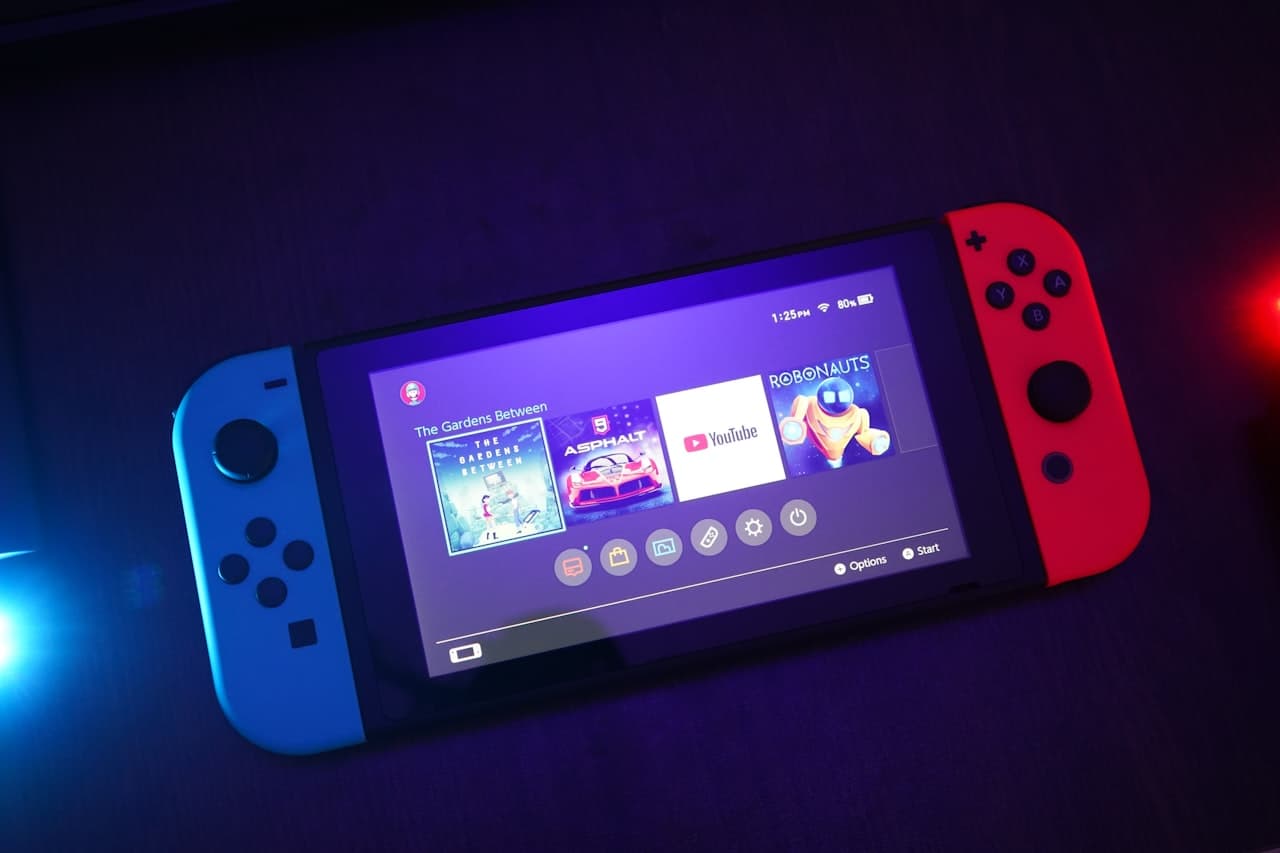
Nintendo Switch Care
Dock Maintenance
The dock scratching screens is common:
- Clean dock rails with soft cloth
- Consider a felt liner mod
- Insert/remove slowly and straight
Joy-Con Care
Prevent drift issues:
- Use compressed air under rubber flap
- Clean contacts with 90% isopropyl alcohol
- Recalibrate regularly (Settings > Controllers)
Portable Mode
- Clean screen with microfiber
- Apply screen protector
- Keep vents clear when handheld gaming
Controller Cleaning Guide
All Controllers
- Exterior: Microfiber + diluted isopropyl
- Buttons: Cotton swab around edges
- Analog sticks: Circular motion around base
- Charging port: Soft brush or compressed air
Deep Clean (Joy-Con Drift Fix)
Materials needed:
- Contact cleaner (electrical safe)
- Cotton swabs
- Isopropyl alcohol 90%+
- Lift rubber flap under joystick
- Apply contact cleaner
- Rotate stick fully 20 times
- Let dry completely
Ventilation Best Practices
DO:
- ✅ Place on hard, flat surface
- ✅ Allow 4+ inches clearance on all vents
- ✅ Use in air-conditioned room
- ✅ Clean monthly
DON'T:
- ❌ Place in enclosed cabinet
- ❌ Stack consoles
- ❌ Block vents with items
- ❌ Place on carpet
Professional Services
When to Seek Help
- Persistent overheating after cleaning
- Disc drive issues
- HDMI port damage
- Power issues
- Internal clicking/grinding
Our Console Services
| Service | PS5 | Xbox | Switch |
| Deep Clean | £39 | £39 | £29 |
| Thermal Paste | £59 | £59 | N/A |
| HDMI Repair | £89 | £89 | £69 |
| Disc Drive | £79 | £79 | N/A |
| Joy-Con Fix | N/A | N/A | £25 |
Extend Your Console's Life
- Use rest mode wisely - Reduces thermal cycling
- Update firmware - Thermal improvements included
- Clean regularly - Prevention is key
- Proper shutdown - Don't just unplug
- Surge protection - Protect from power spikes
Need console repair? We service all major gaming systems with quick turnaround times.
Share this article

Written by
Jake Morrison
Gaming Console Specialist and esports enthusiast.