When a device starts misbehaving, the most expensive mistake is guessing. A laptop that will not charge might need a new port, a new battery, board-level work, or simply a clean-up of corrosion. The symptoms can look identical from the outside, yet the right fix depends on evidence.
A professional computer diagnostic service, which includes a comprehensive computer diagnostic check, turns that uncertainty into a clear plan. Done properly, fault finding is not a quick glance and a shrug. It is a structured process that isolates the root cause, checks knock-on issues, and produces a written record you can actually use.
What “device diagnostics” really means
Diagnostics is the stage where a technician identifies why the fault is happening, not just what you can see. It blends practical inspection with measurement, testing and repeatable checks.
At RevivaTech, diagnostics is positioned as a fixed-price fault-finding step with clear communication and a written report, covering a wide range of consumer and business devices and using manufacturer-level tools in-house. Many issues can be assessed within about 24 hours, depending on workload and the type of fault.
This is the moment where a repair stops being a gamble.
Devices and fault types that benefit from professional fault finding
Most people associate diagnostics with laptops and PCs, yet the same disciplined approach applies across phones, tablets, Macs, Windows machines, consoles, and more. Broad device coverage matters because households and teams rarely run a single platform, and faults can cross boundaries (a Wi‑Fi issue may be the router, the laptop, or a configuration mismatch).
A good diagnostic service is built to handle:
- Smartphones and tablets
- MacBooks and iMacs
- Windows laptops and desktops
- Gaming laptops and performance PCs
- Games consoles
- Servers and business hardware
Why fixed-price diagnostics changes the dynamic
A fixed-price diagnostic service does two things at once: it protects the customer from open-ended investigation costs, and it gives the technician room to be thorough in their computer repair without rushing to a “most likely” answer.
It also removes the subtle pressure of paying for time rather than clarity. You are not buying an hour of attention. You are buying a result: identification of the fault, and an evidence-based repair plan.
When diagnostics is bundled into service tiers (often described as “free diagnostic evaluation” when proceeding with repair), it supports a healthier conversation. You can decide with confidence, because you are not being asked to approve a repair based on guesswork.
The diagnostic workflow you should expect
Every reputable diagnostic process has a rhythm. The exact tools differ by device, yet the logic remains consistent: observe, test, isolate, confirm.
A typical in-house workflow looks like this:
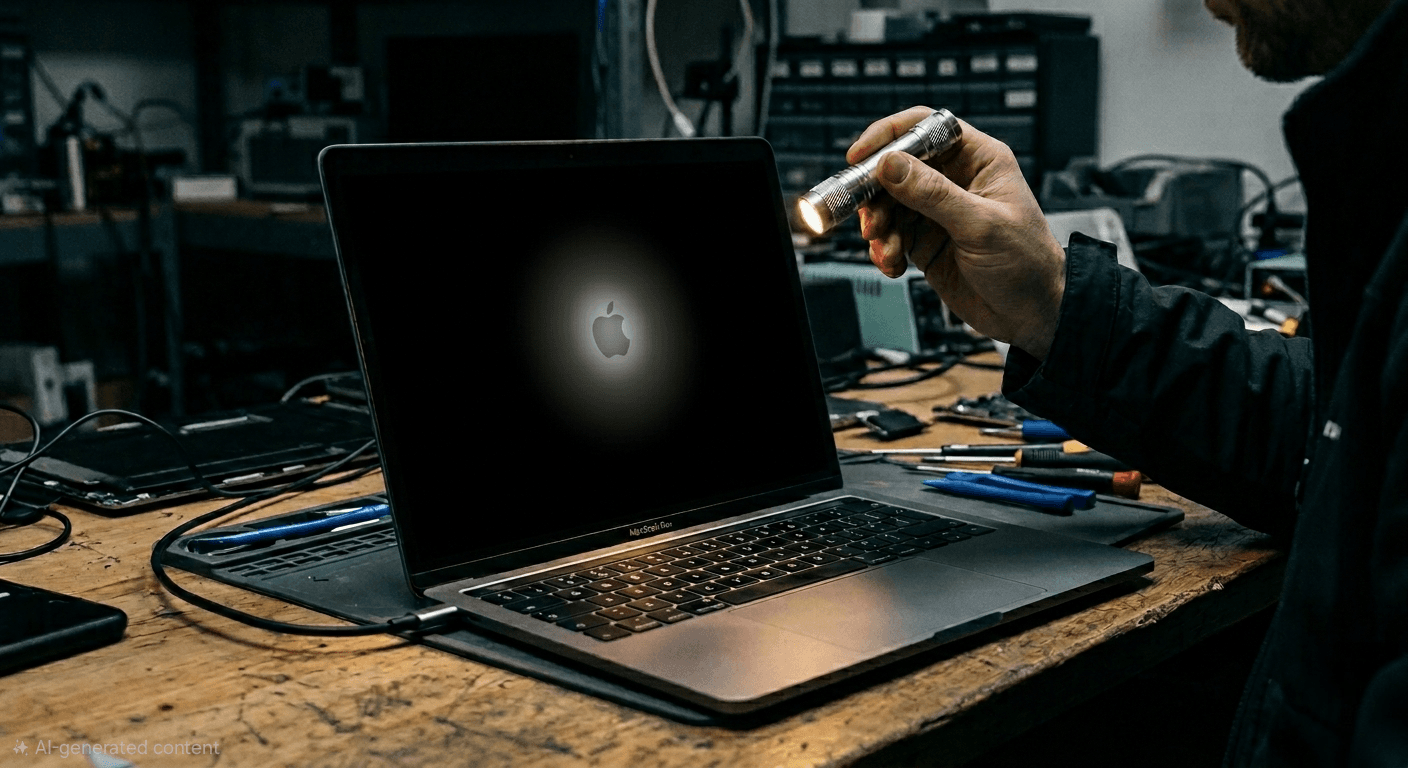
- Initial assessment: visual inspection, symptom verification, notes on history (drops, liquid contact, recent updates, charging habits).
- Baseline checks: power delivery, battery condition, port integrity, thermal behaviour, storage health, memory stability.
- Targeted testing: stress tests, boot diagnostics, connectivity checks, known-good part substitution where appropriate.
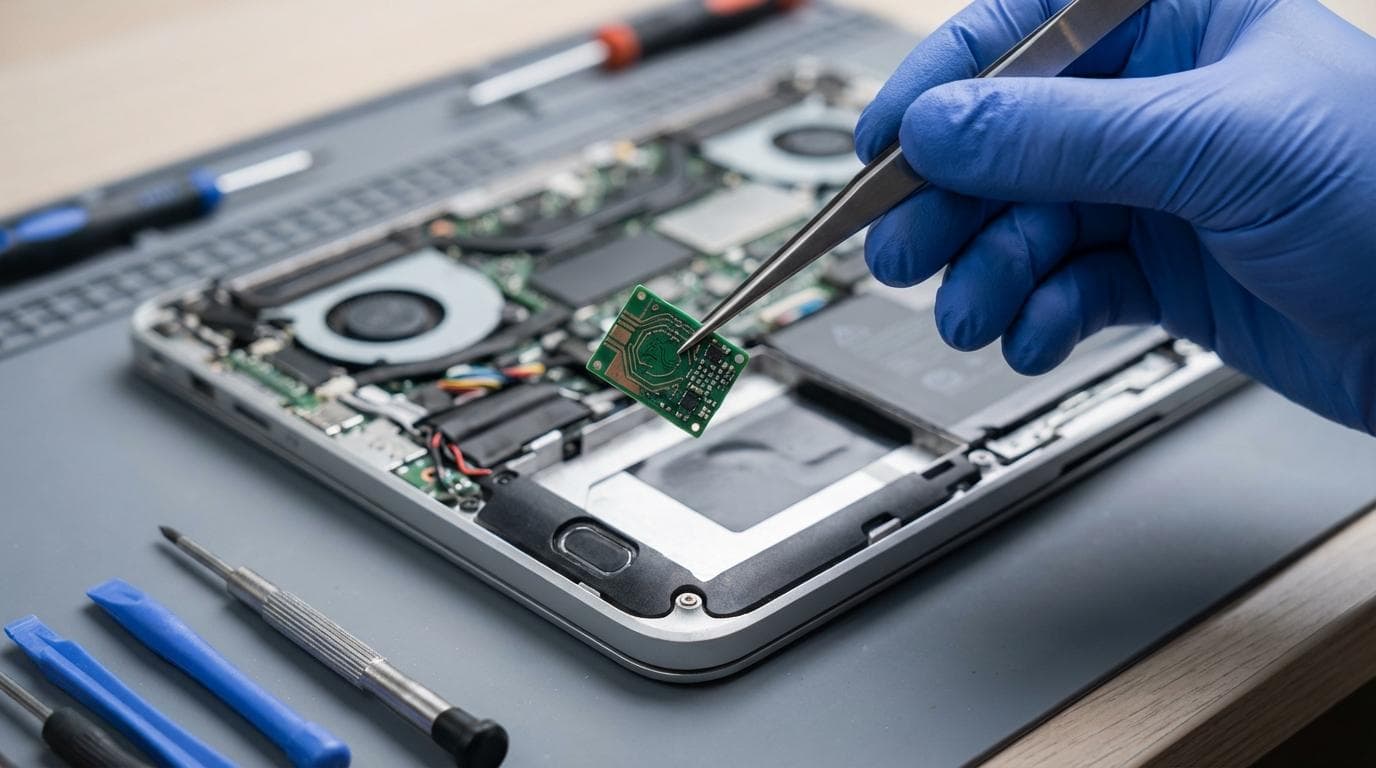
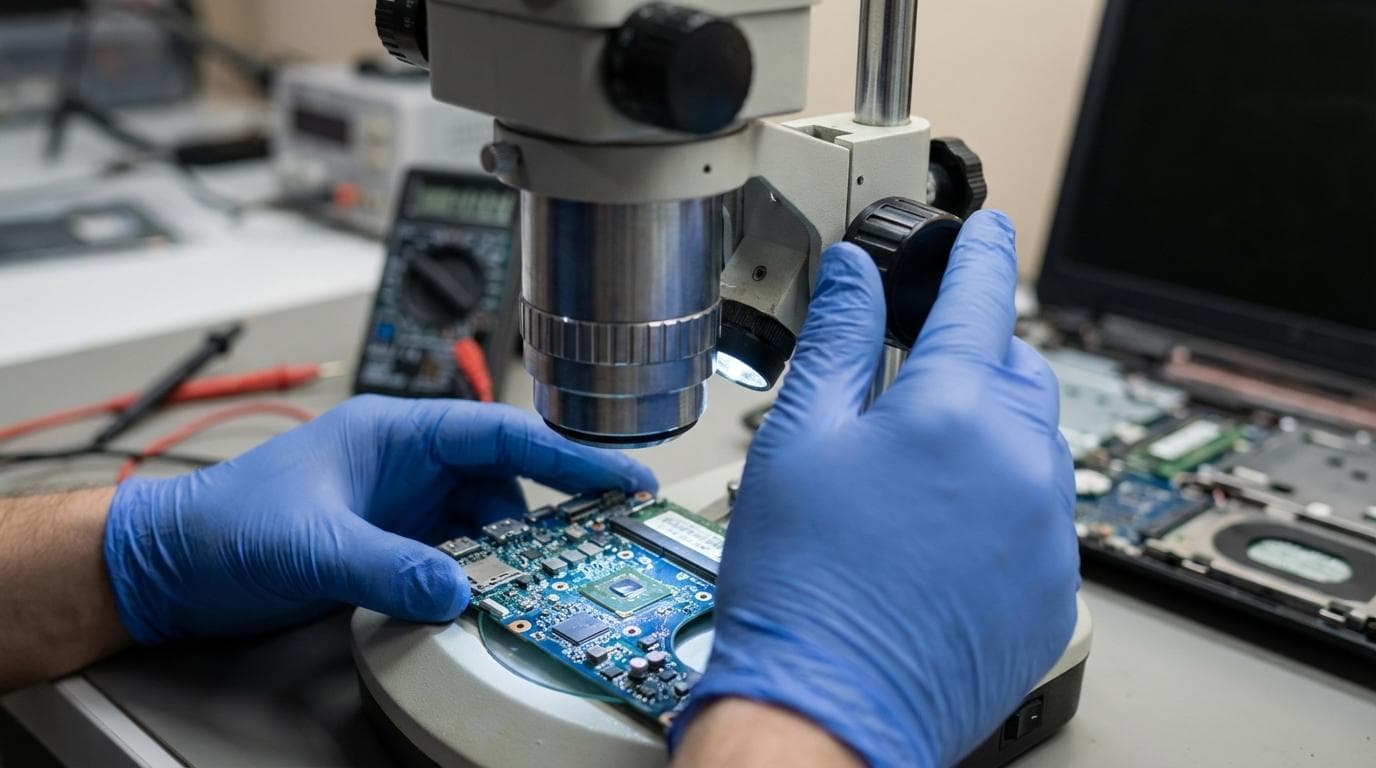
- Board-level investigation when needed: microscope inspection, short hunting, thermal analysis, component-level measurement.
- Report and quote: clear explanation, recommended repair options, costs, and expected turnaround.
Common symptoms, multiple causes: a quick reference
The table below shows why structured diagnostics matters. The same symptom can point to very different root causes, and “simple fixes” can waste money when the real issue sits elsewhere.
| Symptom you see | A few likely causes | Typical diagnostic checks | Repair direction |
| Will not power on | Battery failure, charging circuit issue, motherboard short, faulty power button | Power rail checks, known-good charger test, board inspection, current draw measurement | Battery/port repair, board-level repair, or replacement plan |
| Random shutdowns | Overheating, failing battery, VRM instability, OS corruption | Thermal monitoring, stress testing, battery health, event logs | Cooling service, battery replacement, software repair |
| Slow performance | Failing SSD/HDD, malware, insufficient RAM, thermal throttling | Drive SMART data, malware scans, memory tests, temperature checks | Storage replacement, clean OS install, upgrade options |
| No Wi‑Fi/Bluetooth | Antenna fault, module failure, driver issue, board damage | Hardware detection checks, driver validation, RF/antenna inspection | Module repair, antenna replacement, software remediation |
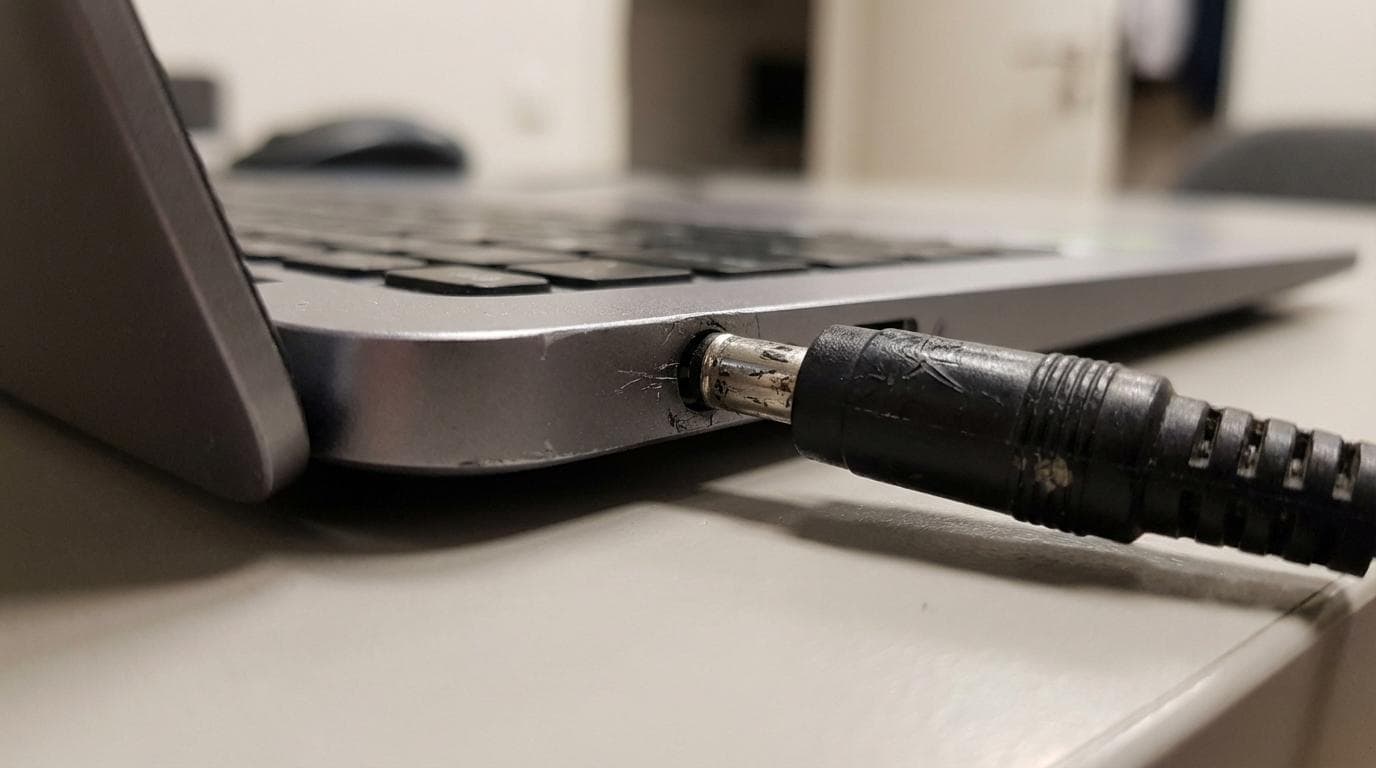
| Not charging consistently | Port damage, cable/adapter issues, power IC failure, debris/liquid residue | Port inspection, voltage/current checks, known-good accessory testing | Port replacement, board repair, cleaning and recovery |
What a written diagnostic report should include
A verbal summary is helpful, but it is easy to forget details, and harder to use when you need approval from a manager, a parent, or an insurer. A written report turns technical work into a practical document.
After diagnostics, you should expect a report that reads clearly, avoids jargon where possible, and shows what was tested and what failed. It should also produce a transparent quote rather than a vague estimate.
A solid report usually contains:
- Fault summary: what is wrong in plain language and how it presents day to day
- Evidence and tests performed: the checks that support the diagnosis, plus any pass results that rule out other causes
- Recommended repair options: what can be done now, what is optional, and what is not economically sensible
- Parts and labour costs: a clear breakdown so you can approve work without surprises
- Time expectations: likely turnaround based on parts availability and repair complexity
- Warranty information: what is covered after the repair and for how long
Speed matters, but accuracy matters more
Turnaround is not just a convenience. It reduces downtime for coursework, client work, and day-to-day communications.
RevivaTech highlights rapid assessment targets (often around a 24-hour diagnosis) and offers service levels that can suit different pressures, from standard queue-based work to same-day and emergency options. The key is that speed should come from a well-run bench and proper tooling, not from cutting corners.
A careful diagnosis can take minutes for a straightforward port issue, or hours for an intermittent board fault. A good service communicates that difference early, rather than promising a universal timeline.
Tools and technician skill: what separates “a check-up” from real diagnostics
Some problems are visible. Many are not, which is why a comprehensive computer diagnostic check is crucial to uncover hidden issues.
High-quality diagnostics relies on two foundations: trained technicians and appropriate tools. On modern devices, especially compact laptops and phones, component-level problems can hide under shields, connectors, or microscopic damage. The wrong approach can also create new faults.
Professional workshops tend to combine:
- Manufacturer-grade testing utilities for storage, memory, batteries and sensors
- Safe boot and software integrity checks to distinguish OS issues from hardware failure
- Microscopy for connector and board inspection
- Thermal analysis and current draw testing to identify shorts and overheating components
- Known-good parts and controlled substitution to confirm a suspected failure
Diagnostics that support better decisions (not just repairs)
A diagnostic report is useful even when you decide not to proceed with computer repair.
Sometimes the sensible outcome is replacement, especially with older devices that need multiple major parts. A clear report helps you compare:
- Repair cost versus replacement cost
- Expected lifespan after repair
- Risk of secondary failures (for example, liquid exposure can create future corrosion)
- Data value, which can justify repair even when the device itself is ageing
How diagnostics supports warranty and insurance claims
Claims often fail due to vague descriptions. “Stopped working” is rarely enough.
A written diagnostic report, including a computer diagnostic check, can act as evidence of damage type, likely cause, and the work required to restore function. That can be helpful when dealing with gadget insurance, accidental damage cover, or third-party liability situations.
Keep the report, keep the quote, and keep any case numbers or job references. If your device is business-critical, store the report in a shared system so it is not trapped in one person’s inbox.
Getting the most from your diagnostic appointment
You can help fault finding move faster by providing context and removing avoidable blockers. Even a brilliant technician cannot read your mind, and intermittent faults often need clues.
Before dropping off or posting a device, it helps to do the following:
- Note when the problem started
- List any recent updates, drops, or liquid contact
- Bring the charger or power adaptor you normally use
- Back up data if the device still functions intermittently
- Remove accessories that complicate testing (cases, hubs, external drives)
What happens after the report is issued
Once diagnostics is complete, the next step should feel calm and structured: you receive findings, you receive a transparent quote, and you choose whether to proceed.
If you go ahead, in-house computer repair with genuine parts and a clear warranty (often up to 12 months depending on service level) turns the diagnosis into a finished outcome you can rely on. If you do not proceed, you still leave with clarity, not confusion.
That is the real value of a fixed-price fault finding and written report service: it replaces guesswork with confidence, and it keeps you in control of the decision.
Understanding Computer Diagnostic Services
Benefits of Regular Computer Diagnostics
How Diagnostic Services Boost Performance
Identifying Hardware Issues
Detecting Software Problems
Key Components of a Diagnostic Check
Tools Used in Computer Diagnostics
Common Issues Found by Diagnostics
Choosing the Right Diagnostic Service
DIY Computer Diagnostic Tools
Professional vs. DIY Diagnostics
Advantages of Professional Services
Limitations of DIY Approaches
Cost of Computer Diagnostic Services
Scheduling Regular Diagnostics for Optimal Performance
Understanding System Health Checks
Share this article
Written by
Ronaldo Dias
Tech repair specialist and founder of RevivaTech, with years of experience in Apple, Samsung, and gaming console repairs.