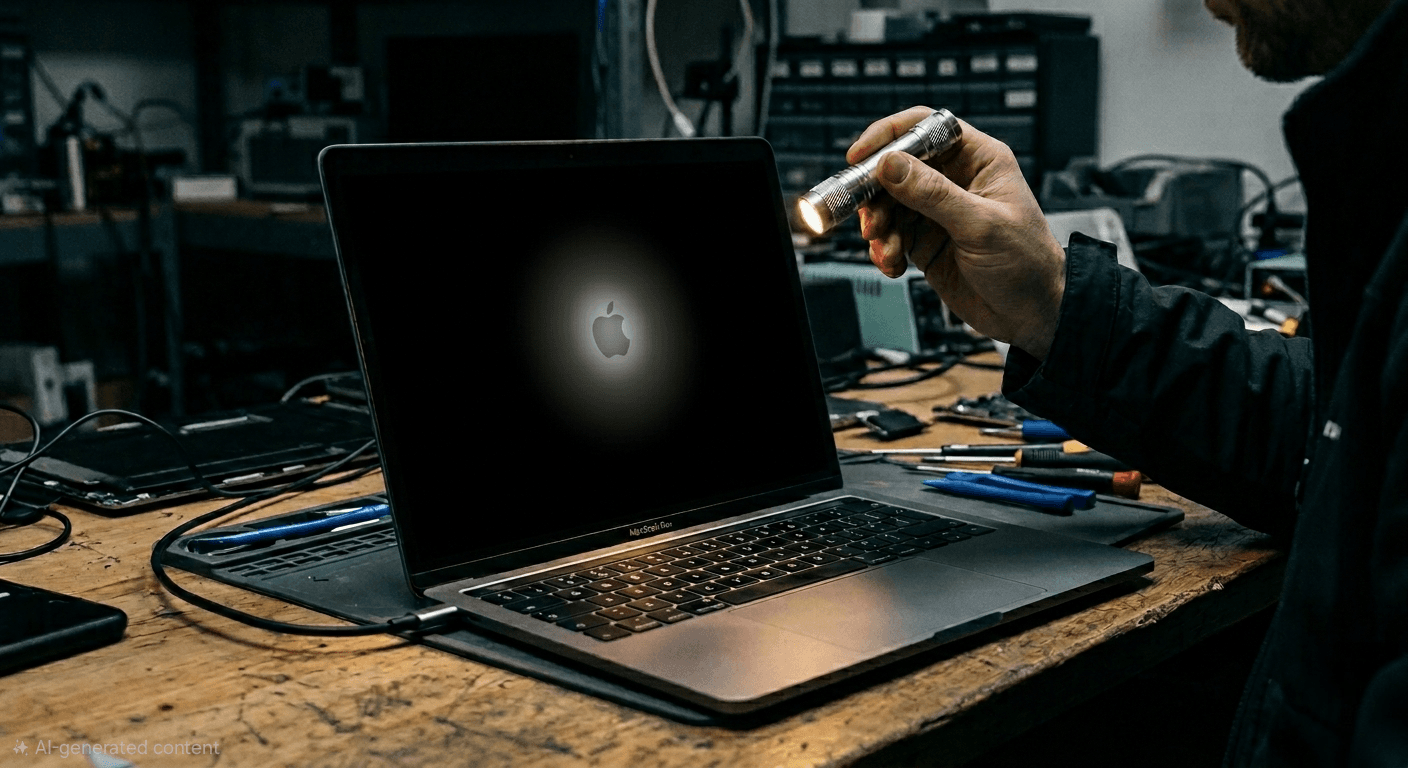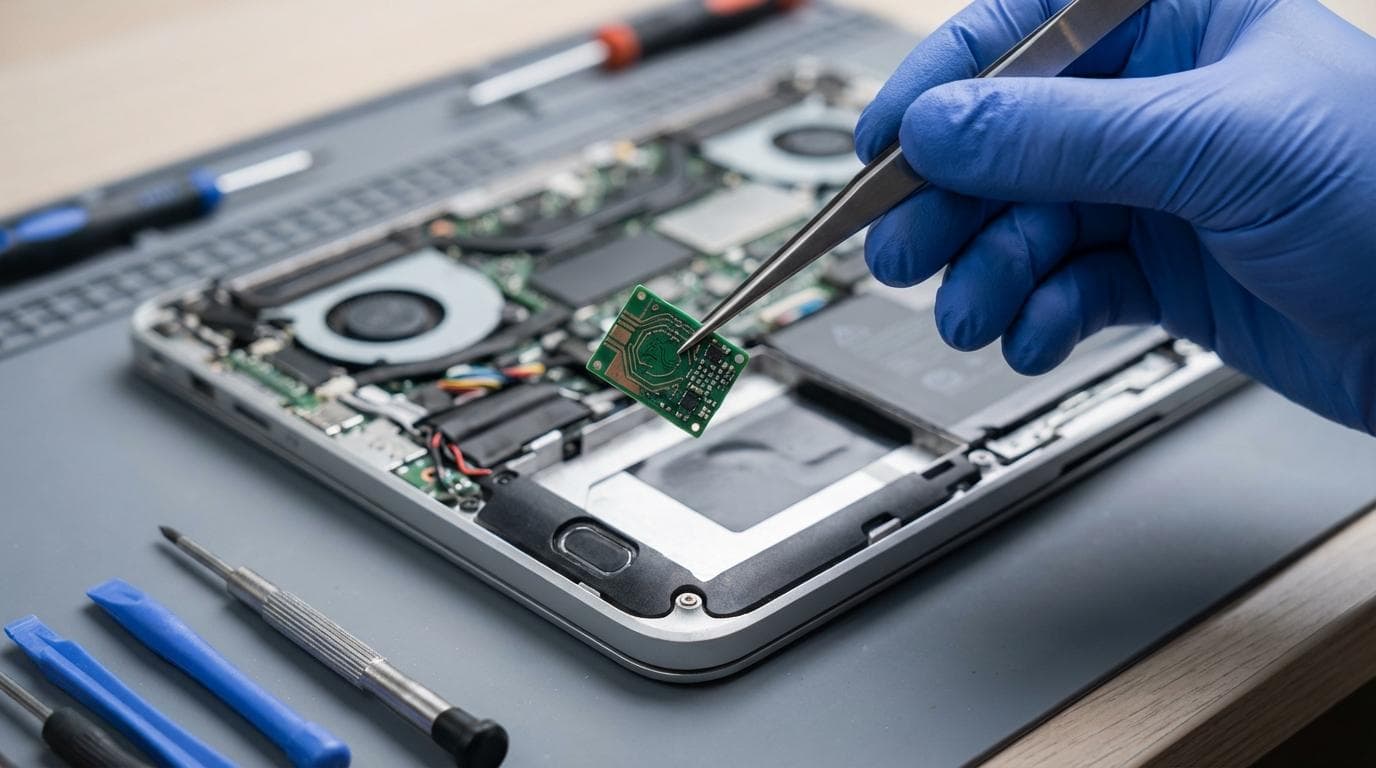
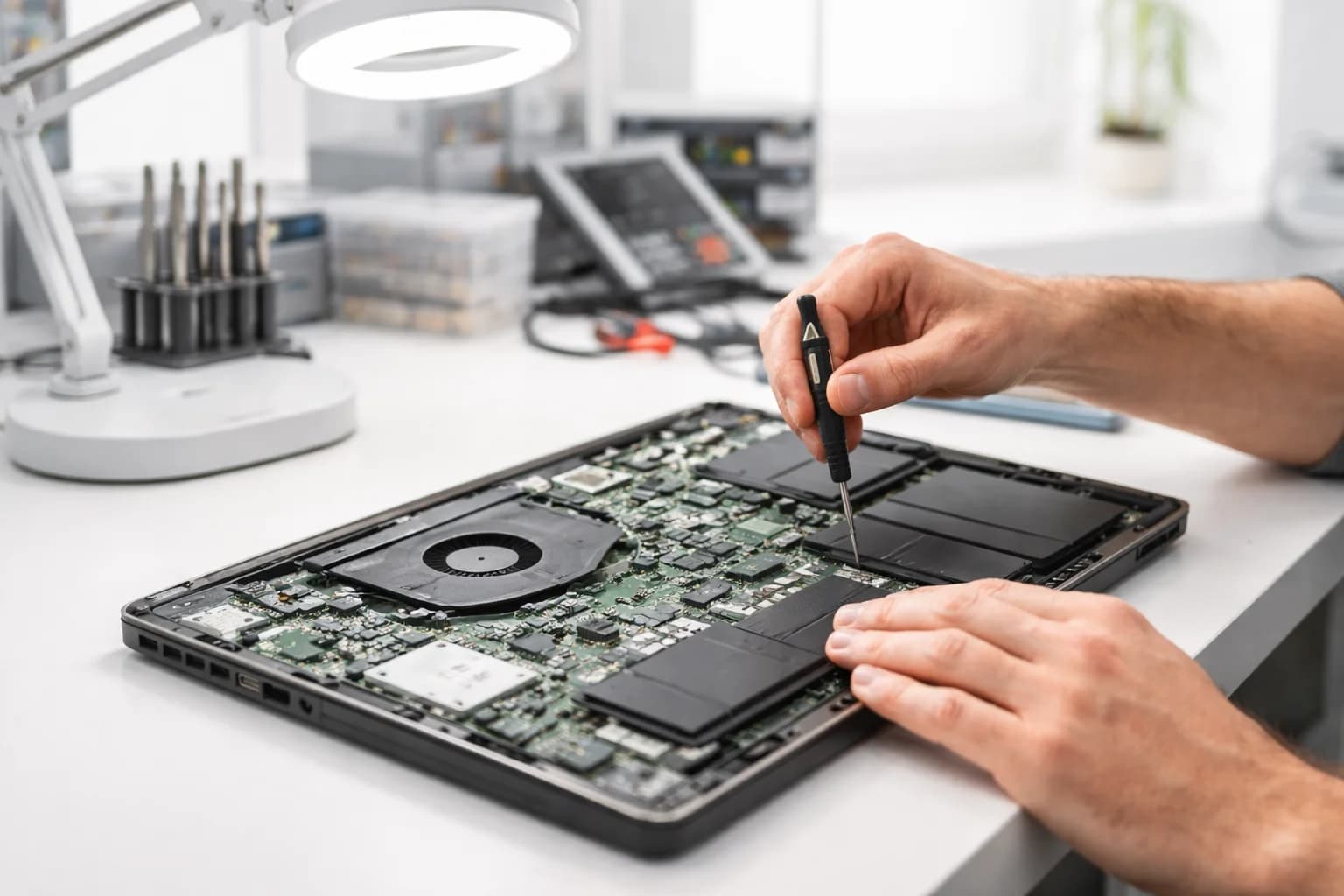
Most people ask about repair time when what they really need is certainty. A laptop isn’t a “nice to have” for long; it is coursework, invoices, passwords, photos, meetings, and momentum.
[Laptop repairs](https://revivatech.co.uk/laptop-pc/repair) can be genuinely fast, measured in minutes or a couple of hours, but the overall turnaround often depends on two things that happen outside the screwdriver work: diagnosis and parts.
What “repair time” actually means
When someone says, “How long will it take?”, they might mean any of these:
- hands-on bench time (the minutes a technician is physically working on the device)
- turnaround time (drop-off to collection)
- end-to-end time (including approvals, parts ordering, and courier transit)
Typical laptop repair timelines (realistic ranges)
Laptops sit in the middle of the speed spectrum. Phones are often modular and quick. Consoles and board-level work tend to take longer. Laptops can be either, depending on the fault and the model.
Here’s a practical guide to common laptop faults and the timelines you can usually expect when parts are available.
| Laptop fault or service | What’s involved | Typical bench time | Typical turnaround (in-store) |
| Battery replacement | Open chassis, replace battery, test charging and health | 30 to 60 mins | Same-day to 1 day |
| SSD upgrade (plus OS setup) | Clone or install OS, firmware checks, performance testing | 60 to 180 mins | Same-day to 2 days |
| Keyboard replacement | Disassembly varies by model, full key test | 60 to 180 mins | 1 to 3 days |
| Screen replacement | Bezel or lid strip-down, panel swap, image and hinge checks | 1 to 3 hours | Same-day to 2 days |
| Liquid exposure (laptop) | Strip, clean, corrosion treatment, component testing | 2 to 6+ hours | 2 to 7 days |
| Random shutdowns, no power, overheating | Deep diagnostics, thermal work, possible board repair | 1 to 6+ hours | 2 to 10 days |
Why some laptop repairs are quick and others are not
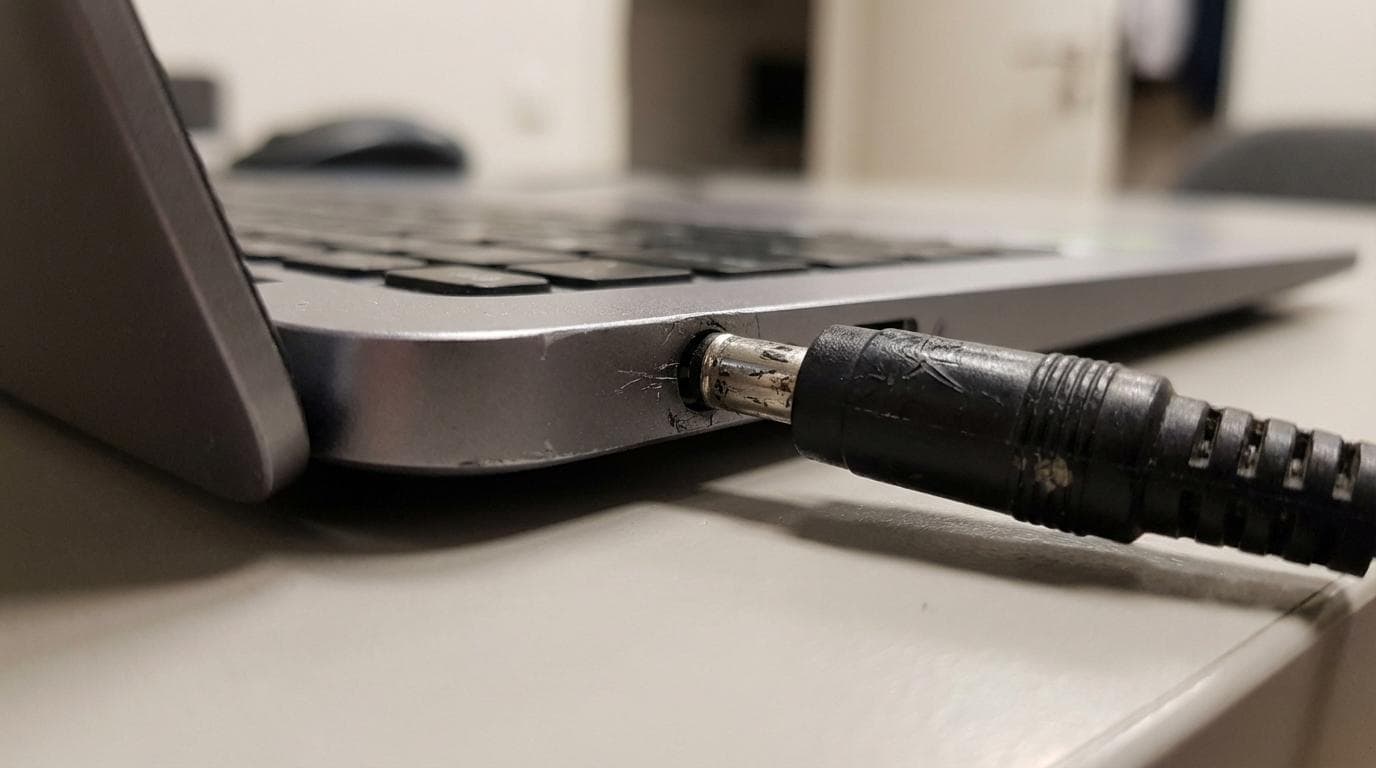
Two laptops with the same symptom can require very different work. “Not charging” might be a worn DC jack, a faulty USB-C controller, a dead battery, liquid corrosion, or a motherboard fault that only shows up under load.
After a technician has taken the first readings and inspected the device internally, the job normally falls into one of these buckets:
- a modular replacement (battery, screen, keyboard, SSD)
- a configuration fix (OS repair, driver and firmware work)
- a deeper electrical fault (power rails, charging circuit, board-level repair)
- a data-led job (recovery, migration, decryption, profile repair)
A realistic repair workflow, step by step
A good timeline is built from process, not optimism. A professional repair shop will usually move through predictable stages, even when the device fault is unusual.
A typical workflow looks like this:
- Intake and symptom check: Quick triage, note damage, confirm accessories, capture key details.
- Diagnostics: Identify the actual fault, not just the visible one, then define options.
- Quote and approval: Agree costs, confirm parts choice, and set the expected completion window.
- Repair and installation: The hands-on work, plus any soldering or rework where required.
- Quality checks and testing: Thermal behaviour, charging stability, keyboard and trackpad tests, display checks, battery health, ports, speakers, WiFi, sleep and wake.
- Handover and warranty record: Confirm the outcome and document what was done.
Bench time vs turnaround: how service tiers change the calendar
Many customers are surprised that a shop can replace a part quickly but still offer a 1 to 5 working day turnaround. The reason is prioritisation.
At RevivaTech, turnaround is commonly shaped by service level:
- Basic queues allow time for thorough diagnostics and scheduling, typically around 3 to 5 business days.
- Faster tiers compress that window, often to 1 to 2 days.
- Premium options can mean same-day service for suitable repairs, when parts and workload allow it.
Parts availability: the most common cause of delay
If a laptop needs a part that is already on hand, the work can move immediately. If it needs a specific screen panel, a top case with keyboard, or an uncommon battery, the timeline becomes part logistics.
A few realities worth planning around:
- Some models have many panel variants that look identical but are not interchangeable.
- Premium ultrabooks can require adhesive work and calibration steps that benefit from extra curing and test time.
- Older devices may need parts sourced from specialist channels rather than next-day stock.
Mail-in repairs: add transit time and packaging steps
[Mail-in repair](https://revivatech.co.uk/mail-in-repair-service) is a strong option when you are not local, or you need a specialist service. It does add time in both directions.
A typical end-to-end window across the UK is often around 3 to 7 days, depending on courier timing, the diagnostic outcome, and parts. For Windows laptops, it is often at the shorter end; [Macs](https://revivatech.co.uk/apple/mac-repair) can be a little longer depending on model and parts.
RevivaTech’s process includes rapid diagnosis after receipt, with a detailed diagnostic report typically within 24 hours. That keeps the “unknown” part of the timeline under control, even when the fix itself takes longer.
How to get your laptop back faster without risking the result
You can’t speed up a rare part shipment, but you can remove the common blockers that slow repairs down.
A short checklist helps:
- Describe symptoms clearly: When it fails, what you were doing, any error messages, any recent drops or spills.
- Bring the charger: Power issues are hard to confirm without the correct adapter.
- Decide your priority: Fastest turnaround, lowest cost, data preservation, or long-term reliability.
- Back up if you can: If the device still boots, copy critical files before it deteriorates further.
- Approve promptly: Repairs often pause at the quote stage, waiting for a green light.
Quick comparisons: phones, tablets, and consoles
Laptop timelines feel slow until you compare across device types. Some devices are designed for rapid modular replacement; others require careful disassembly, soldering, and extended testing.
In RevivaTech’s day-to-day work, smartphone jobs can be extremely quick when parts are in stock. Common [iPhone repairs](https://revivatech.co.uk/apple/iphone-repair) are often completed within an hour, with [screen replacements](https://revivatech.co.uk/apple/iphone-screen-replacement) typically around 30 to 60 minutes and battery swaps around 45 to 60 minutes. Water damage can take longer, often several hours, because cleaning, inspection, and staged testing are part of doing it properly.
Tablets often sit between phones and laptops, with many common repairs landing around 60 to 120 minutes under ideal conditions.
[Consoles](https://revivatech.co.uk/consoles) commonly take longer, often a few days to around a week for frequent fixes, because disassembly, port work, thermal work, and validation can be more involved. Official guidance from manufacturers often points to longer windows for hardware replacements, and that matches the general reality of console repair logistics.
What can stretch a “simple” laptop repair into a multi-day job?
A laptop that looks like a simple job at the counter can reveal additional faults under the microscope. That is normal, and a good shop will explain the change, then agree next steps before proceeding.
Common time-stretchers include:
- Hidden damage: cracked hinges affecting the display cable, liquid residue under shielding, bent frames making parts hard to seat.
- Previous repairs: missing screws, incorrect parts, torn connectors, adhesive damage.
- Data-related requirements: encryption, failing drives, profile corruption, business security policies.
- Intermittent faults: issues that only appear under heat, battery load, or sleep and wake cycles.
- Quality assurance needs: extra time for burn-in tests after overheating, power faults, or liquid exposure.
A good repair timeline should feel transparent
Speed matters, but clarity matters more. A professional service should be able to explain what is known, what is still being tested, and what the next milestone is.
RevivaTech supports that style of transparency with staged updates and [repair tracking](https://revivatech.co.uk/track-repair) with timestamps, so customers can see progress from diagnosis through to quality checks. Pair that with fixed labour pricing, clear estimates, and a 12 month [repair warranty](https://revivatech.co.uk/warranty), and the goal becomes simple: get the device back quickly, and keep it working.
If you want the most accurate answer to “how long will it take?”, ask for the timeline after diagnosis. That is when a repair moves from a guess to a plan.
Factors Affecting Repair Time
Common Laptop Issues and Repair Times
Typical laptop repair timelines (realistic ranges)
Factors Affecting Repair Time
Type of Laptop Issue
Severity of Damage
Availability of Parts
Common Laptop Repairs
Screen Replacement
Battery Replacement
Keyboard Repair
In-Store vs. Mail-In Service
Pros and Cons
Time Differences
DIY Repairs
Simple Fixes You Can Try
When to Seek Professional Help
How Long Does a Laptop Repair Take?
Turnaround Time for Common Repairs
Emergency Repair Services
Finding a Reliable Repair Service
Checking Reviews and Ratings
Questions to Ask Before Choosing
Preparing Your Laptop for Repair
Backing Up Data
Removing Personal Information
Minimising Future Repairs
Regular Maintenance Tips
Best Practices for Laptop Care
Factors Affecting Repair Time
Factors Affecting Repair Time
Parts availability: the most common cause of delay
Share this article
Written by
Ronaldo Dias
Tech repair specialist and founder of RevivaTech, with years of experience in Apple, Samsung, and gaming console repairs.